


Jump to a question
Skepta Rap Dance AI puts people you know into the familiar three-person dance. You choose all three people. Add one solo photo for each position, pick a setting and make the trio your own.
You can do it in your browser. There’s no separate template file to find, editing app to install or routine to film.
How does the Skepta Rap Dance AI template work?
The built-in dance supplies the rhythm, group formation and moving camera. One person begins at the front center, with the other two behind on the left and right.
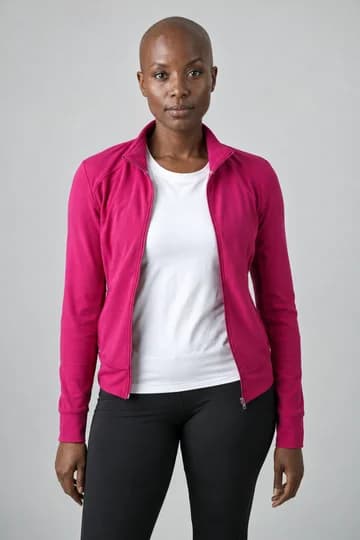
Your photos supply the people and their visible outfits. All three dancers are replaced. Photos can come from different places; they don’t need matching backgrounds. For the best starting point, use clear waist-up portraits and check the photo guide.
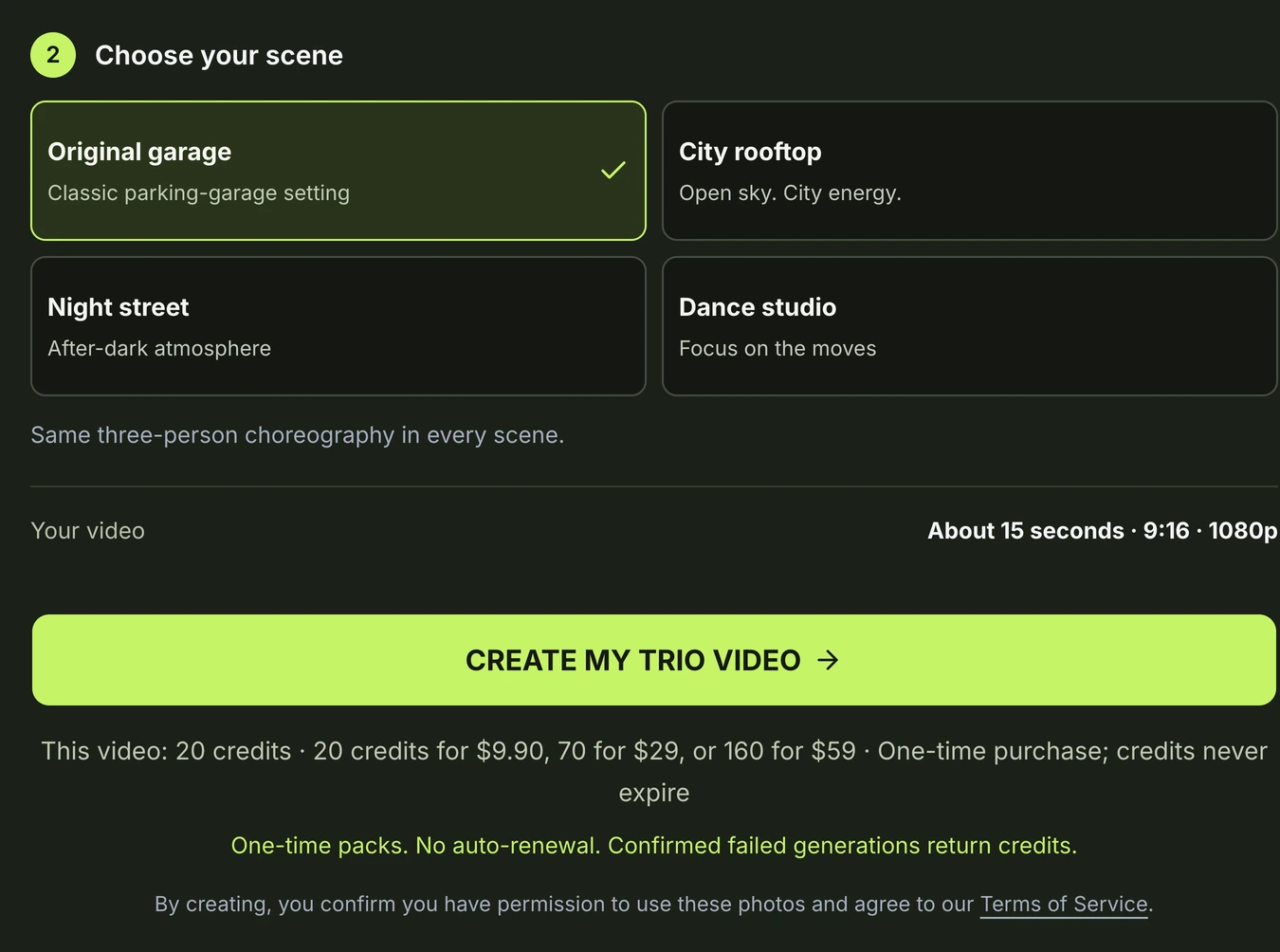
Choose the scene for the look you have in mind
The original parking garage is the familiar setting shown in the playable sample above. It’s a natural first choice if you want that recognizable look.
The night street gives a dressed-up trio a different backdrop. The finished example below uses three suited people. A city rooftop and rehearsal studio are also available in the scene selector.
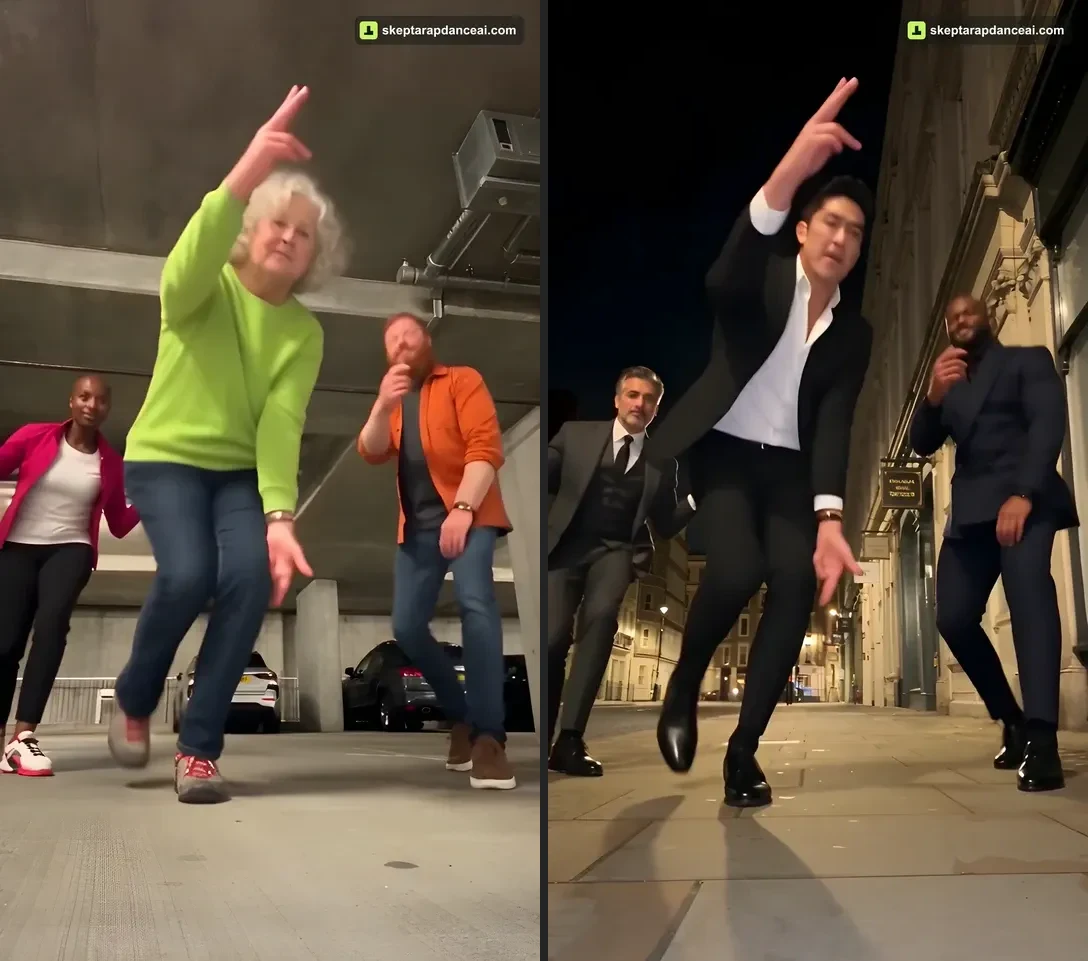
Watch the examples on the homepage, then choose the atmosphere you want for your own trio. The photos don’t have to be taken in that setting.
Do you need a CapCut project?
No. This creator uses its own built-in dance workflow: three portraits, a scene and a generation request. You don’t need to import a CapCut project or edit a timeline.
If you want to edit a specific CapCut project yourself, that is a separate workflow. Skepta Rap Dance AI is independent and is not affiliated with CapCut, TikTok or Skepta.
What do you get when you pay?
A completed video is about 15 seconds, vertical 9:16 and 1080p, with sound. Download the MP4 and keep it for yourself or share it with your friends. Save it within 30 days of completion.
Generation requires paid credits. The creator shows the whole-video quote before submission, and credit packs are one-time purchases with no automatic renewal. Confirmed failed tasks return their credits.
AI details can vary. Use photos and other material you have permission to publish; the service doesn’t grant music rights or likeness permissions. Follow your publishing platform’s AI-labeling rules.
Have a trio and a setting in mind? Choose your three photos. The step-by-step walkthrough covers everything from upload to download.
GOT THREE PEOPLE IN MIND?
Put your trio in the next video.
Choose three solo photos for Skepta Rap Dance AI. Get an approximately 15-second vertical video in 1080p, with sound and an MP4 to save and share.
Make a video with my trioPaid generation · USD 9.90 for 20 credits · No subscription.
The full video credit cost is shown before generation. Credits do not expire; confirmed failed tasks return their credits. Unused credits may qualify for a proportional refund within 7 days. AI details can vary; save your finished video within 30 days.