


Jump to a question
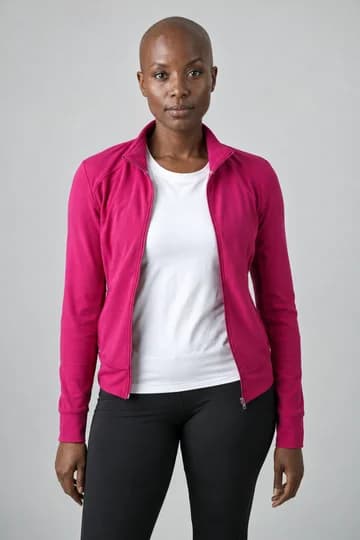
Picture yourself and two friends in a Skepta Rap Dance AI video. The sample above was made from three separate photos; you can follow the same steps with your own trio. Pick the people, choose a scene and turn the finished dance into an MP4 you can send to the group chat.
The screenshots below show the real English interface. Tap any screenshot to open it full size.
1. Add one photo for each dancer
Open Skepta Rap Dance AI. Under Add your three photos, click Choose photo in each slot and pick one solo portrait:
- Left dancer: the person who starts on the left.
- Center dancer: the person who starts at the front center.
- Right dancer: the person who starts on the right.
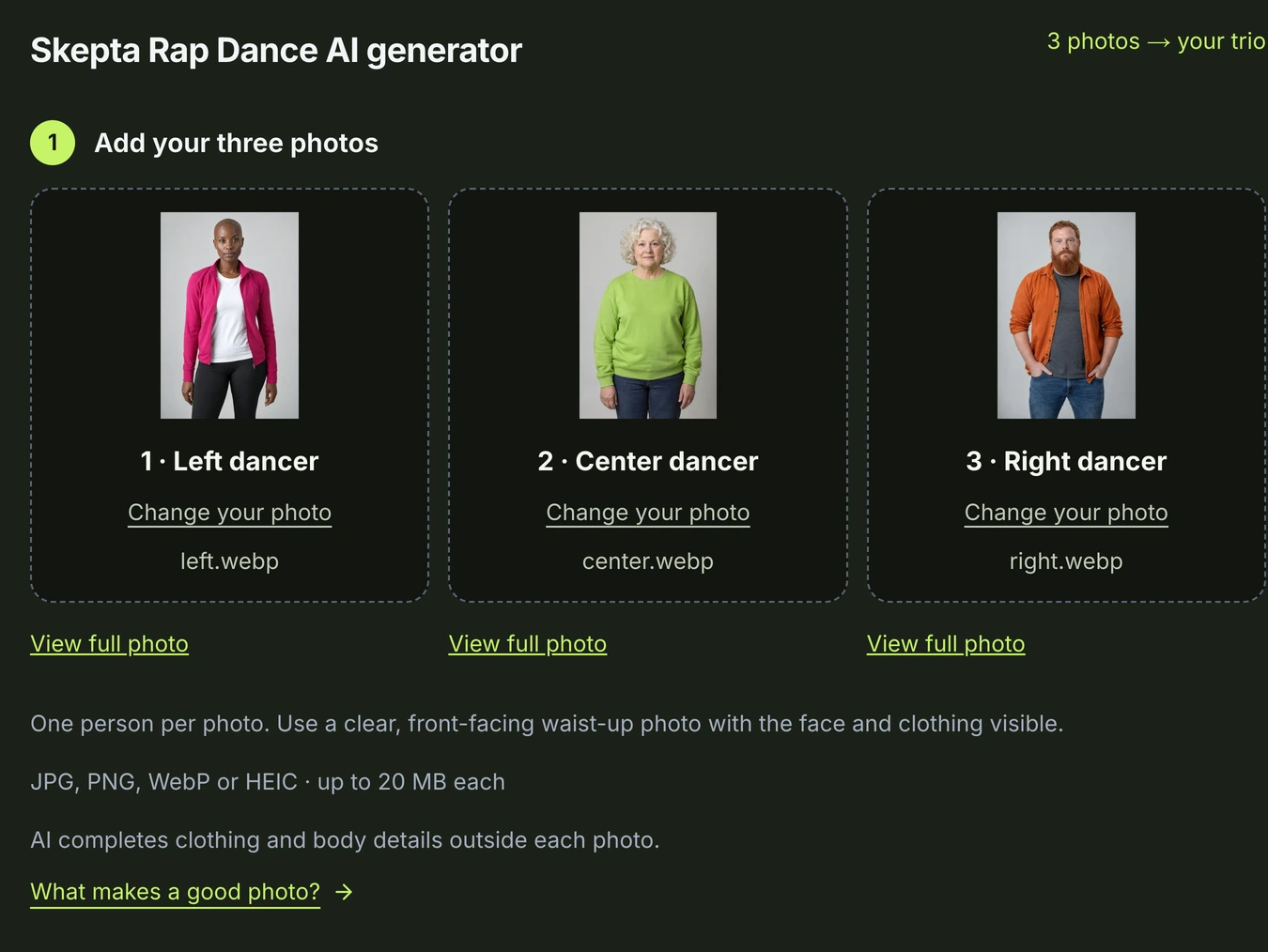
Want someone else in the middle? Click Change your photo in the Center slot. View full photo lets you check the portrait before continuing.
Clear, front-facing waist-up photos are a good starting point. Show the face and top; nobody needs to pose like a dancer. Use photos you have permission to use, in JPG, PNG, WebP or HEIC, up to 20 MB each. The photo guide helps if you’re choosing between a few shots.
2. Choose the backdrop for your trio
Under Choose your scene, select Original garage for the setting in the sample. A suited trio could look right at home on Night street. City rooftop and Dance studio are also available.
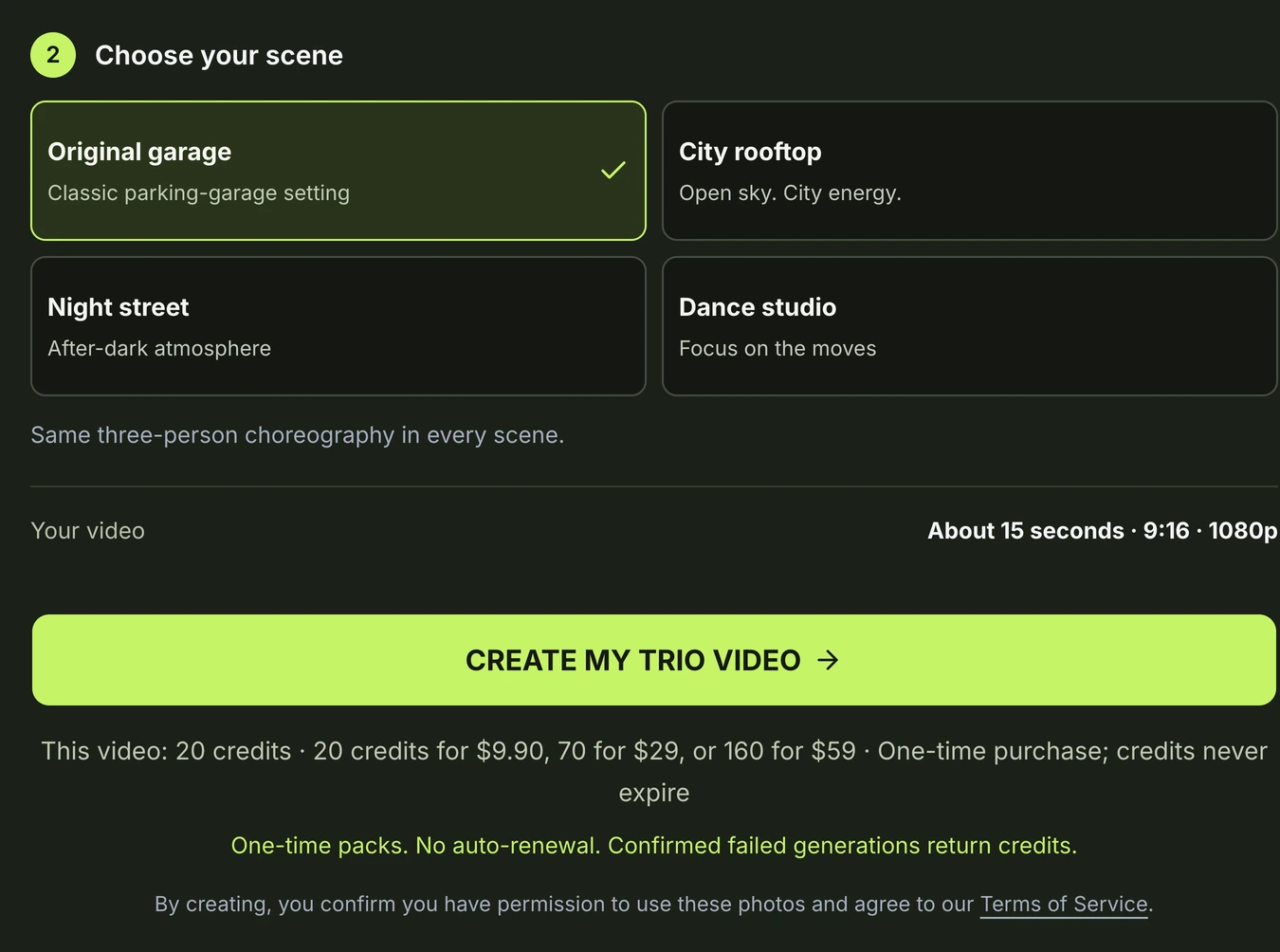
The dance is already built in, so there’s no timeline to edit. Before you continue, check your three previews, the selected scene and the full video credit cost. If an adjusted photo appears, review it before confirming.
3. Choose a credit pack and start your video
Click Create my trio video and sign in if asked. If you need more credits, follow the payment prompt to choose a pack. You can also compare the credit packs first; the English pricing page includes the example below.
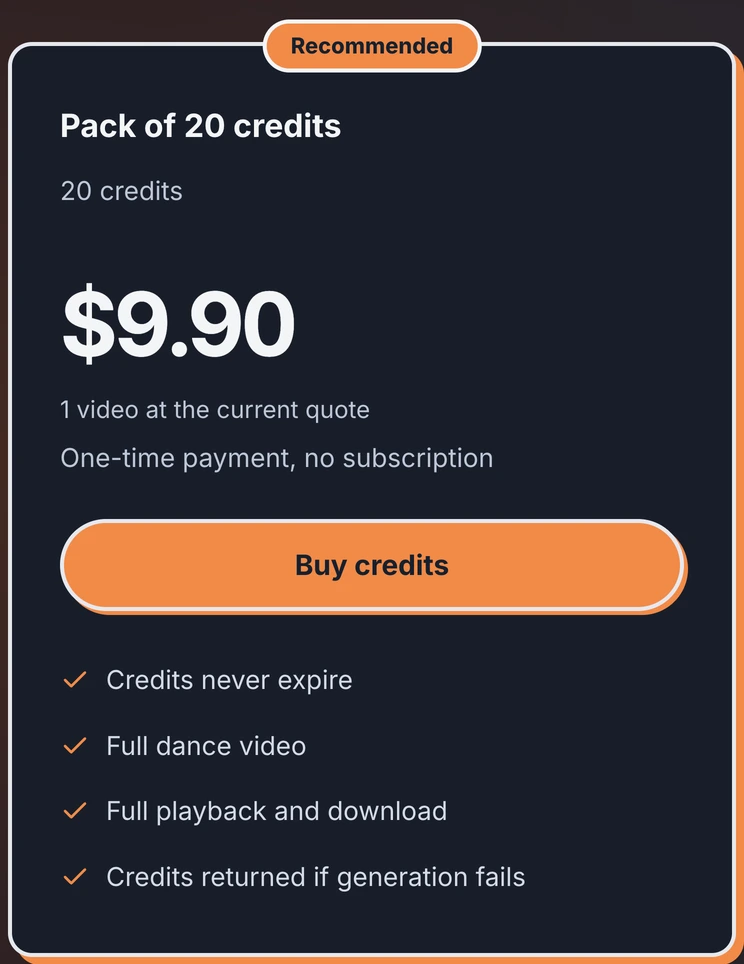
Making one video? Choose the smallest pack that covers the quote. Planning a few different trios? Compare the larger packs before you buy. Packs are one-time purchases, with no subscription or automatic renewal.
After payment, return to your draft and follow its status. Keep the same account and browser tab. If payment is still confirming, wait for the update instead of buying again.
4. Watch it, download it and send it
Once your task is submitted, open My videos to follow progress. You can leave the page while it runs. Your finished video is about 15 seconds, vertical 9:16 and 1080p, with sound.
Play the full clip to see all three people in motion, then download the MP4 within 30 days. AI details can vary, especially during turns and overlap. Confirmed failed tasks return their credits automatically. For a playback or billing problem, email [email protected] with the work or order number.
Already know who’s taking the center? Add your three photos and choose a scene.
GOT THREE PEOPLE IN MIND?
Put your trio in the next video.
Choose three solo photos for Skepta Rap Dance AI. Get an approximately 15-second vertical video in 1080p, with sound and an MP4 to save and share.
Make a video with my trioPaid generation · USD 9.90 for 20 credits · No subscription.
The full video credit cost is shown before generation. Credits do not expire; confirmed failed tasks return their credits. Unused credits may qualify for a proportional refund within 7 days. AI details can vary; save your finished video within 30 days.