
Jump to a question
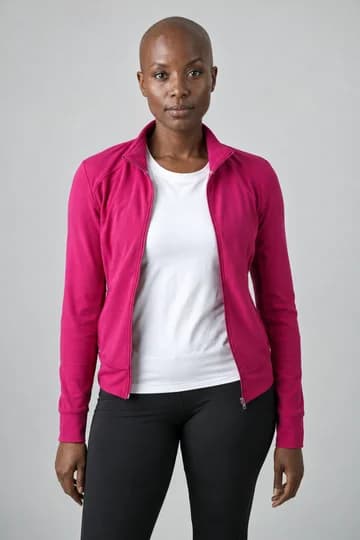
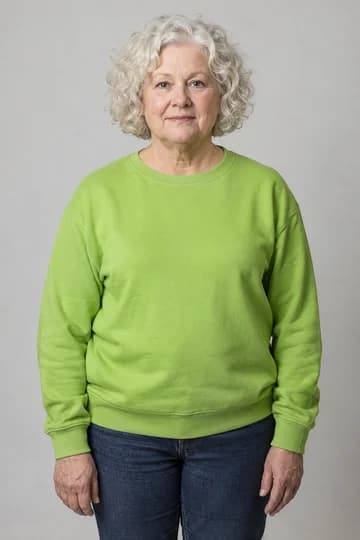
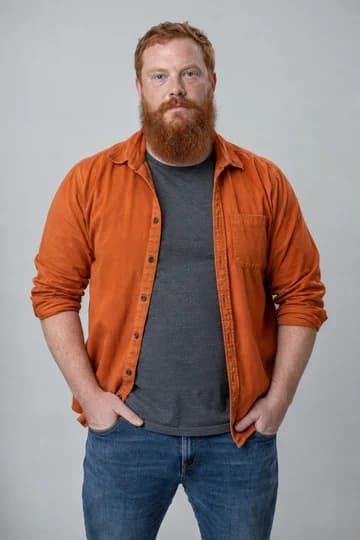
You don’t need a special photo shoot for Skepta Rap Dance AI. Look for a clear face, visible shoulders and an outfit you’d like to see in the dance. A straightforward waist-up portrait is a good place to start.
The three portraits at the top were used for the finished garage sample. Each person had a separate photo; none had to perform the dance first.
Choose the face before the background
Pick a photo where the eyes, nose, mouth and hairstyle are easy to see on a phone screen. Even light and a sharp face matter more than an impressive location. The scene you choose will supply the video’s setting.
Avoid a phone covering the face, heavy blur or filters that change someone’s features. A high-resolution landscape with a tiny person in it still gives very little facial detail.
Give the outfit some room
A waist-up photo shows both the face and clothing. A clear full-body photo also works. A close-up selfie leaves more of the outfit for AI to invent.
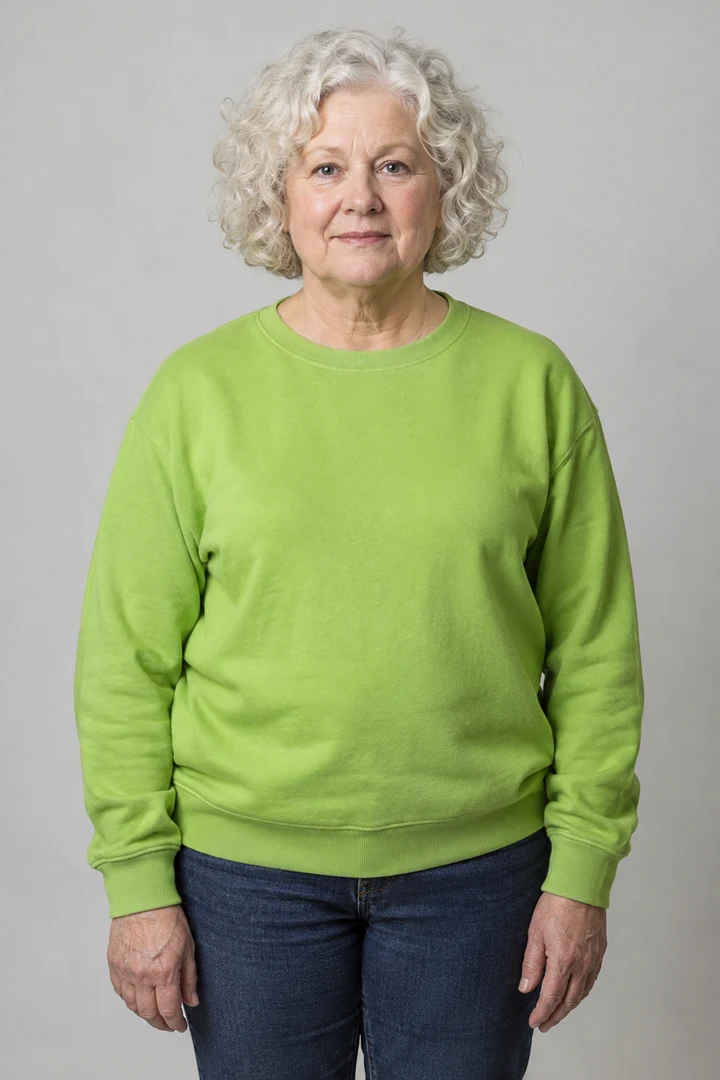
Want a bright, playful trio? Choose the tops you want to see. Going for a dressed-up look? Start with those outfits in the photos. Keep hands and bags from covering the clothing you care about.
AI fills in body and clothing details outside the frame, including unseen trousers and shoes. Small logos, text and fine patterns may change in motion.
Keep each person in their own photo
Upload one person per slot. If you crop from a group shot, make sure another person’s hand, hair or shoulder isn’t covering them. Check mirror selfies for a second reflection, too.
Decide who starts at the center, then put the other two in Left and Right. The positions refer to the opening of the video. All three dancers are replaced.
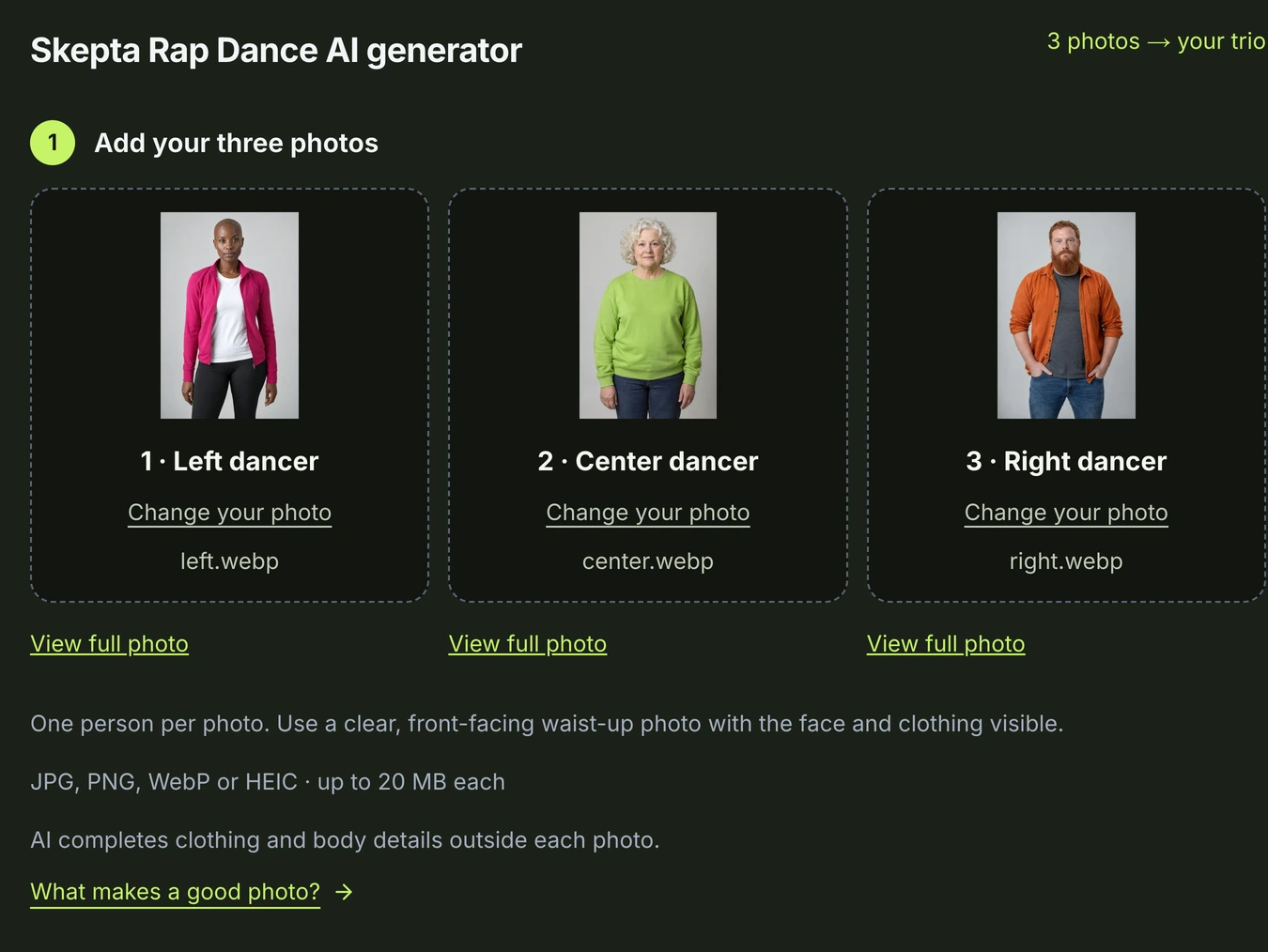
A quick check before you upload
- One person in each photo, with a clear, unobstructed face.
- Face, hair and top visible; no strong blur or heavy filters.
- JPG, PNG, WebP or HEIC; up to 20 MB per file.
- Width and height both greater than 300 pixels.
If the creator shows an adjusted preview, check the face and outfit before confirming. If one file fails validation, replace that photo; you don’t have to start over with all three.
Have your photos ready? Put your trio together, or follow the full walkthrough for payment and download steps. Only upload photos you have permission to use.
GOT THREE PEOPLE IN MIND?
Put your trio in the next video.
Choose three solo photos for Skepta Rap Dance AI. Get an approximately 15-second vertical video in 1080p, with sound and an MP4 to save and share.
Make a video with my trioPaid generation · USD 9.90 for 20 credits · No subscription.
The full video credit cost is shown before generation. Credits do not expire; confirmed failed tasks return their credits. Unused credits may qualify for a proportional refund within 7 days. AI details can vary; save your finished video within 30 days.